Keep your current setup.
Omarchy runs in an app on your computer. Your existing operating system stays in place.
TRY OMARCHY
Download the app, open it, and follow the guided setup. The app prepares the virtual machine for you, and what you install or change stays.
Free & open source · Apple Silicon · Windows 10 & 11 · Linux with KVM
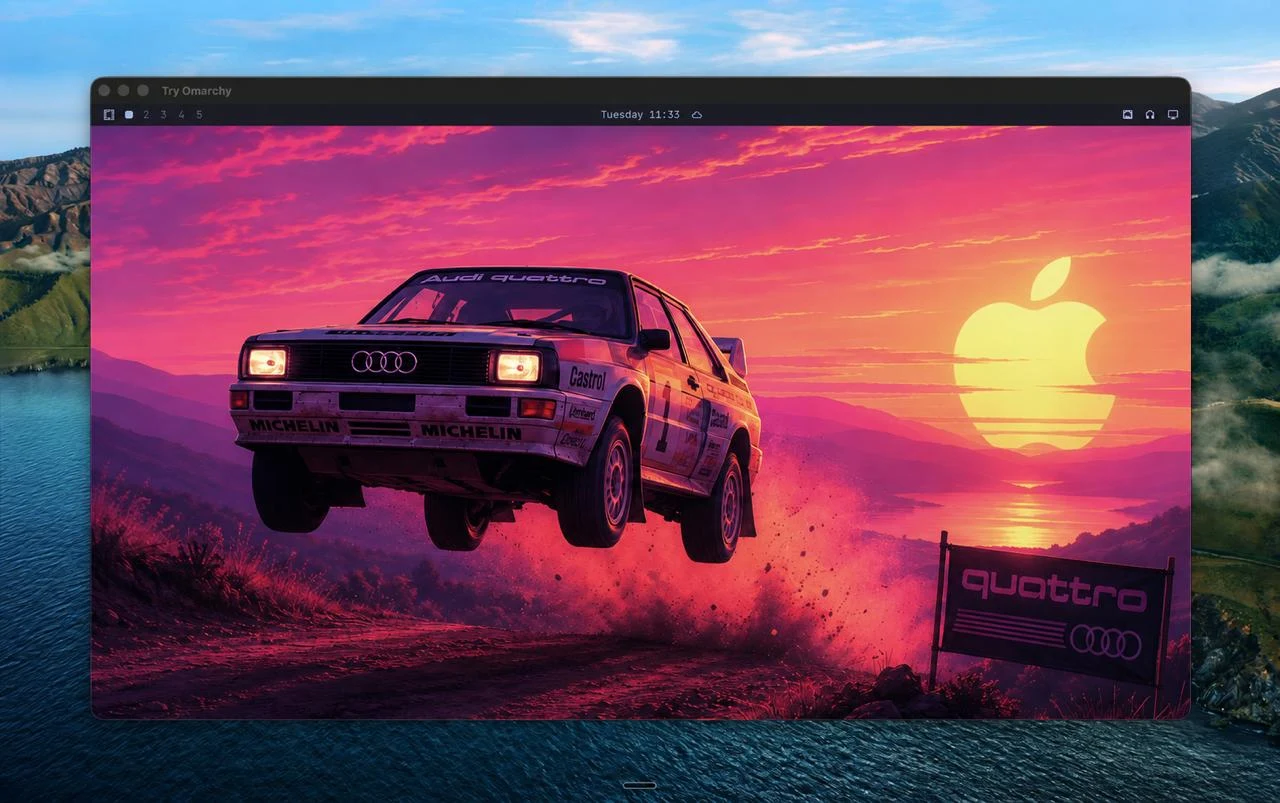
Get to know Omarchy without leaving your current operating system.
Omarchy runs in an app on your computer. Your existing operating system stays in place.
Tile your windows. Find your theme. Install Linux apps. Make it yours.
Copy text and images between desktops. Share a folder with the computer you already use.
Download the app for your Mac, Windows or Linux PC.
Apple Silicon · macOS 15+
Omarchy in a native Mac app, built for Apple Silicon.
Allow about 15 GB of free disk space. Intel Macs are not supported.
Download for MacMac quick startWindows 10 & 11 · x86_64
Omarchy in a Windows app, with guided setup and GPU acceleration.
Hardware virtualization is required. Setup downloads about 2 GB. Windows on ARM is not supported.
Download for WindowsWindows quick startx86_64 · KVM · Flatpak
Omarchy in a Flatpak app for your Linux desktop, with guided setup.
KVM is required. Setup downloads about 2 GB. Ubuntu and NixOS need Flatpak support first. ARM is not supported.
Download for LinuxLinux quick startThree steps to your Linux desktop.
No. Omarchy runs in a virtual machine inside an app, on macOS, Windows or Linux. There is no repartitioning or dual boot. Windows setup may enable its virtualization feature and ask for a restart.
Yes. You get the Omarchy desktop, themes, and Linux apps. Hardware support and host integration differ between Mac, Windows and Linux. Performance depends on your computer; video decoding on Mac is currently CPU-only.
No. On Windows and Linux, setup defaults to your own username and password, which Omarchy’s normal setup asks for. Quick start skips that and signs you in with a ready-made account named omarchy, with the password omarchy. It is a regular Omarchy user, not a time-limited trial. Its sudo does not ask for a password and SSH accepts only keys for it; run passwd to set your own password. You make this choice once, when Omarchy is first set up.
Yes. What you install and save stays in the VM. Windows keeps the Linux disk in the folder you chose during setup, and Linux keeps it with the app unless you choose another folder. Mac keeps it in the app’s data folder, and updating or deleting the app leaves it in place.
The installation guide covers hardware, setup, and running Omarchy directly on your computer.
Full installation guide